
Business messaging, made simple
Send, manage, and track Viber Business Messages — no coding or complicated setup.
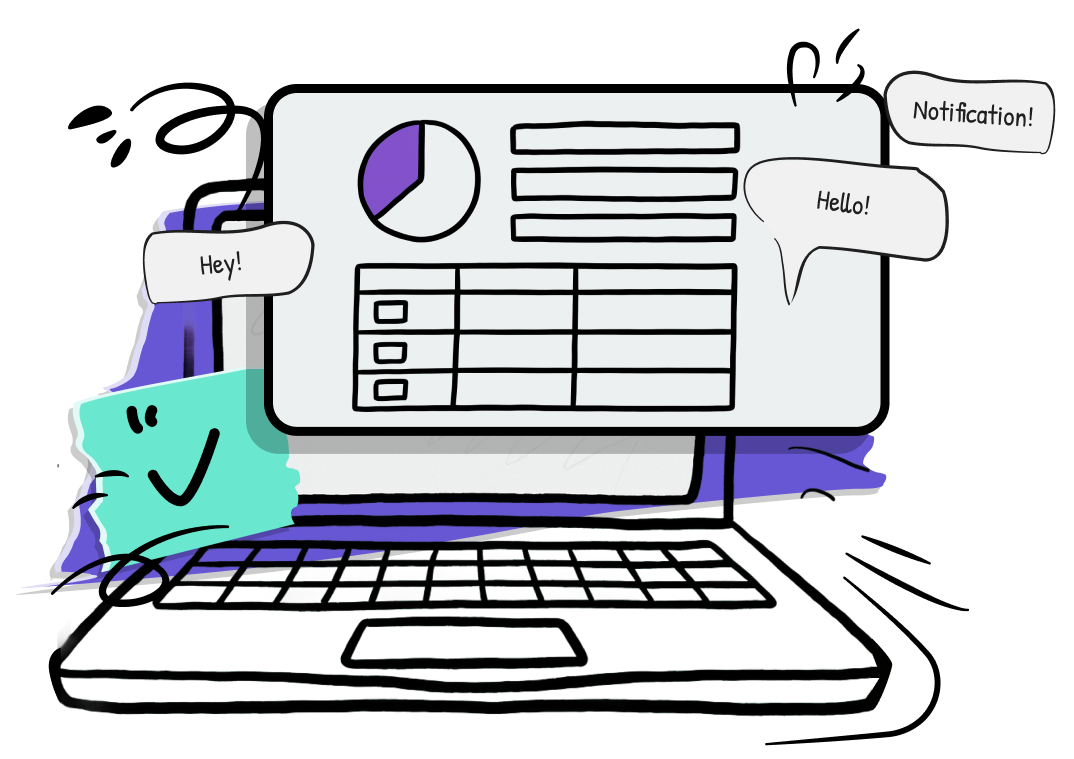
WHAT IS MSG PLS?
MSG PLS is a web-based platform that helps businesses of any size send, manage, and track Viber Business Messages — no in-house technical team required.
It is simple to use, capable of supporting large-scale campaigns, and flexible enough to fit the way your business works.
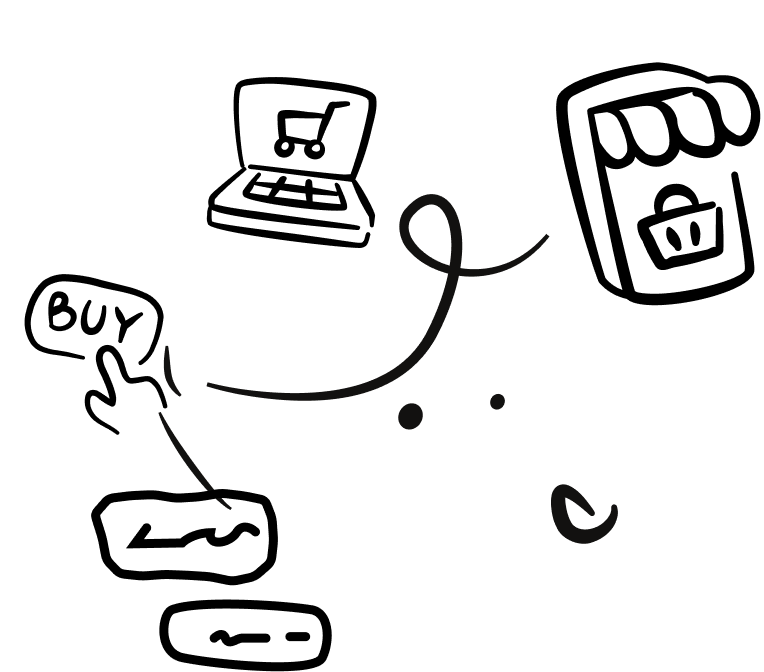
Why Businesses Love MSG PLS?

Save time
with reusable templates & automation.

No coding needed
if you can send an email, you can use MSG PLS.

Boost engagement
with personalized, rich media messages.

Track and optimize
if you can send an email, you can use MSG PLS.

Scale effortlessly
with reusable templates & automation.




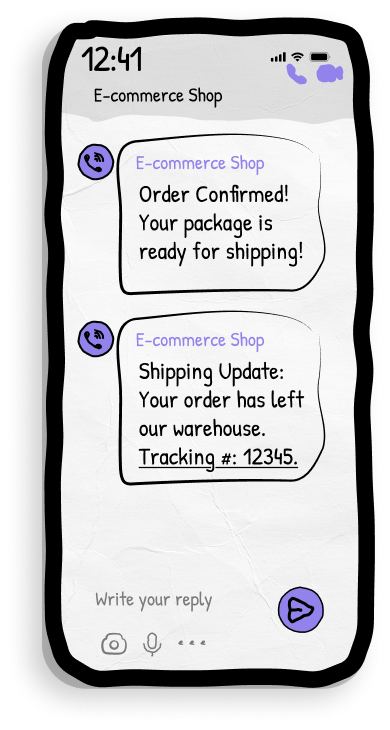
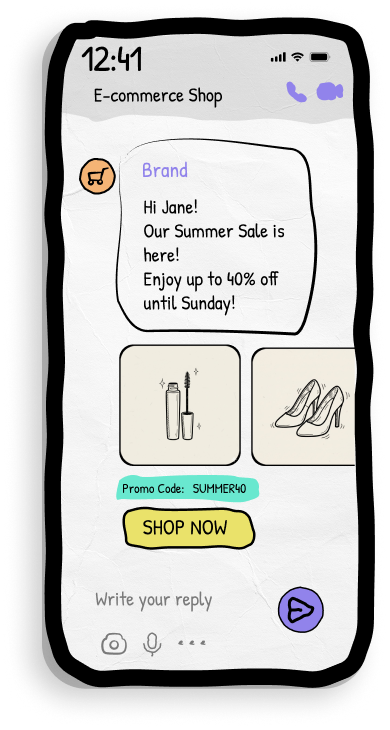

KEY FEATURES

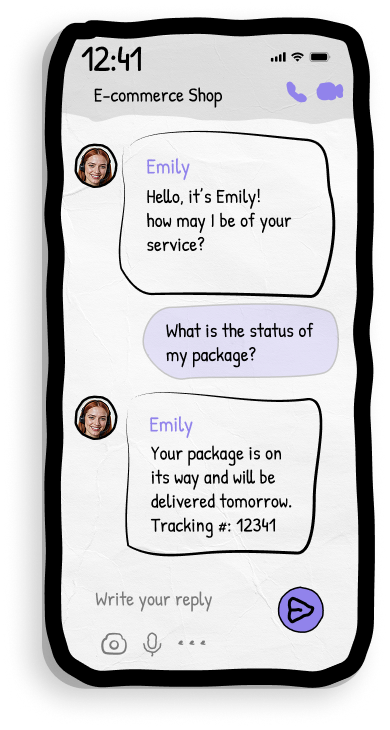
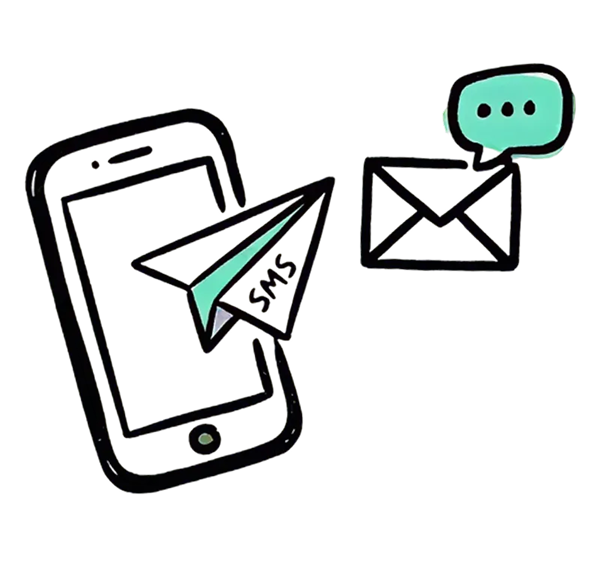
Deliver text, images, or text+image messages to your customers via their phone numbers.

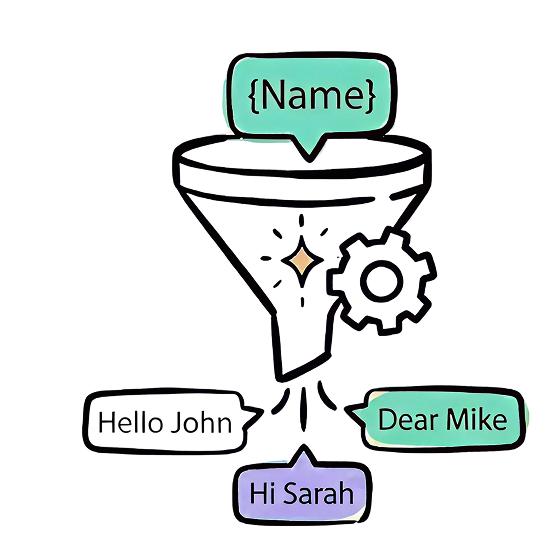
Include dynamic variables like {{first_name}} or {{last_name}} to personalize each message.
If you send a message to a new phone number, the system automatically creates a recipient record.
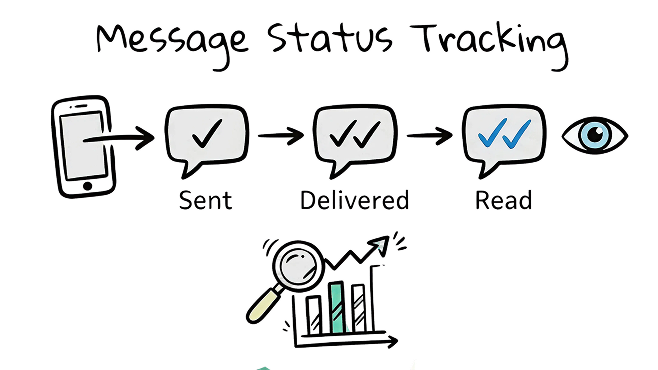
Retrieve detailed delivery reports - see if your messages were sent, delivered, or read.
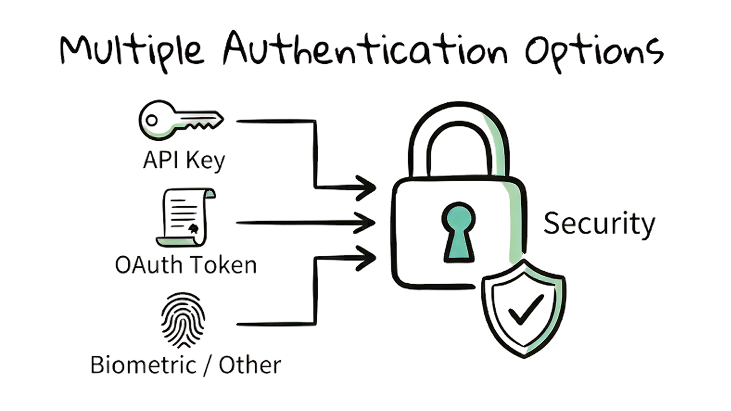
• JWT Tokens for short-term access with refresh capabilities.
• API Tokens for long-term server-to-server integrations.


In Action



Small Retail Brand Launch
Upload
Upload data for thousands of customers.
Create
Create custom templates, fitted for your brand. Modify product images, customer names and buttons.
Schedule
Schedule campaigns whenever you decide.
Results
Check analytics and improve your next campaign.





How to get started?



Sign Agreement
with us to activate your account.

Log In (No Install)
From your browser, no install needed.

Send Your First Campaign
Create your first message, and send.

Track performance
and optimize for your next campaign.